
Batch & single payouts
List import and templated fields — less manual re-entry.
Treasury · payout · FX
Batch payouts, supply chain settlement and major-currency FX in one back office with status tracking and audit trails; reference FX calculator on the right — actual quotes, payment routes and trade FX per order screen and agreement.

Indicative FX quote
10,000 USD
322,500
1 USD = 32.25 · indicative
Product differentiation
Multi-level approval, roles and limits — large payouts and FX explainable and traceable across your organisation.
FX quotes and fee structure confirmed before order — supports budgeting and batch decisions.
Payout status and result summaries synced to stakeholders — less cross-department back-and-forth.
Reference conversion
Reference rates below — click a currency to adjust HKD amount and estimate conversion. Tradable currencies, quotes and settlement per order screen and agreement.
Base: sell HKD → buy foreign currency
Who it's for
Organisations with cross-border payouts, payroll, revenue share or supply chain settlement need efficiency, transparency and collaboration under compliance — from instruction creation and approval through bank processing, fully traceable.
Batch payments to overseas suppliers with approval and status tracking.
Service fees, payroll or bonuses to payees in multiple regions.
Periodic settlement alongside multi-currency conversion.
Central control of FX decisions, limits and audit trails.
Treasury operations
When cross-border payouts and FX miss month-end, quarterly or audit deadlines, finance loops between catch-up data and chasing bank confirmations. Converge payment instructions, FX quotes and credit status on one timeline to buffer before close and align GL and internal sign-off.
The LPayLinks back office can set approval tiers, batch aggregation and status alerts to your cadence so ops, procurement and finance speak the same weekly rhythm — fields and flows per activation plan and agreement.
Rhythm in the close context
Adjustable per organisation; common alignment patterns below.
Intra-day reconciliation window
Review approved instructions, locked FX and in-flight bank items daily — avoid last-minute gaps.
Weekly batches & review
Supply chain, payroll or revenue share often weekly — batch submission and sign-off records aid cash flow forecasting.
Month-end & report export
Export cleared summaries before close aligned to accounting periods — less adjustment and restatement.
Sign-off cut-offs and bank deadlines in internal reminders — fewer last-minute rush submissions.
Payout results and FX trade summaries map to invoices and journal entries for audit and review.
Procurement sees payment progress, finance sees close impact, compliance sees limits and routes — synced status reduces meeting churn.
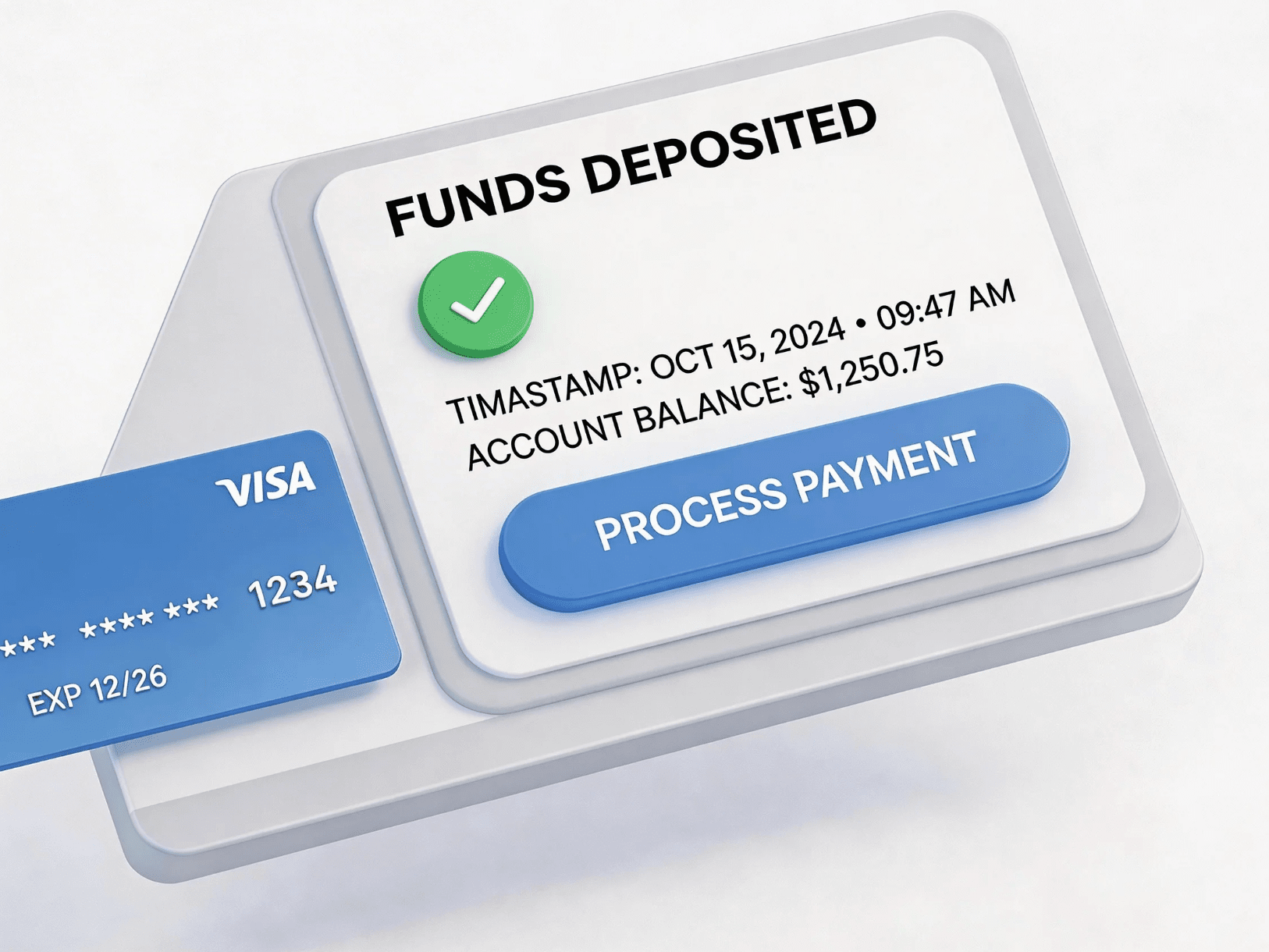
After creating payment or FX instructions, status updates through internal approval and bank routes — finance and procurement in one context.
Single or batch with payee and currency details.
Release per sign-off tier and limit rules.
Execute per route with staged status updates.
Credit or return summaries for accounting and ops confirmation.
Modules & capabilities
From lists and quotes to audit and payee master data — repeatable, reviewable cross-border payments; actual features per agreement.
List import and templated fields — less manual re-entry.
Major-currency conversion with quote and history for cost forecasting.
Multi-level sign-off, roles and per-transaction/cumulative limits.
Staged payout status and summaries aid write-off and audit.
Central supplier and partner account details — lower mis-payment risk.
Required field checks per internal policy and route (actual product may vary).
Onboarding rhythm
Submit basics; advisers help ensure documentation completeness.
Complete identity and business review; activate payout and FX permissions.
Create supplier/partner payee records and complete required verification.
Create batch or single instructions; execute after approval and track in back office.
General guidance only; actual terms follow your agreement and operating region.
Varies by product design and market volatility; confirm validity on screen or confirmation before ordering.
Depends on currency, correspondent and beneficiary bank business days; back office updates processing status.
Configurable per internal control policy; details per agreement and product.
May include fees, wire charges, FX spread, etc.; per formal quote and agreement.
Follow internal procedure and contact support and your adviser; remedies limited by beneficiary bank and route rules.

CONNECT TO WORLD
PAY
Create your business account and get adviser guidance.
Complete verification and review; activate multi-currency.
Activate collections, acquiring, payouts and FX.
For compliance and risk disclosures seehomepage compliance section; actual services follow your agreement.
USD
US dollar USD
Approx. 100,000 HKD
Leave your contact details
We will reply via your chosen channel; the estimate summary will be included.